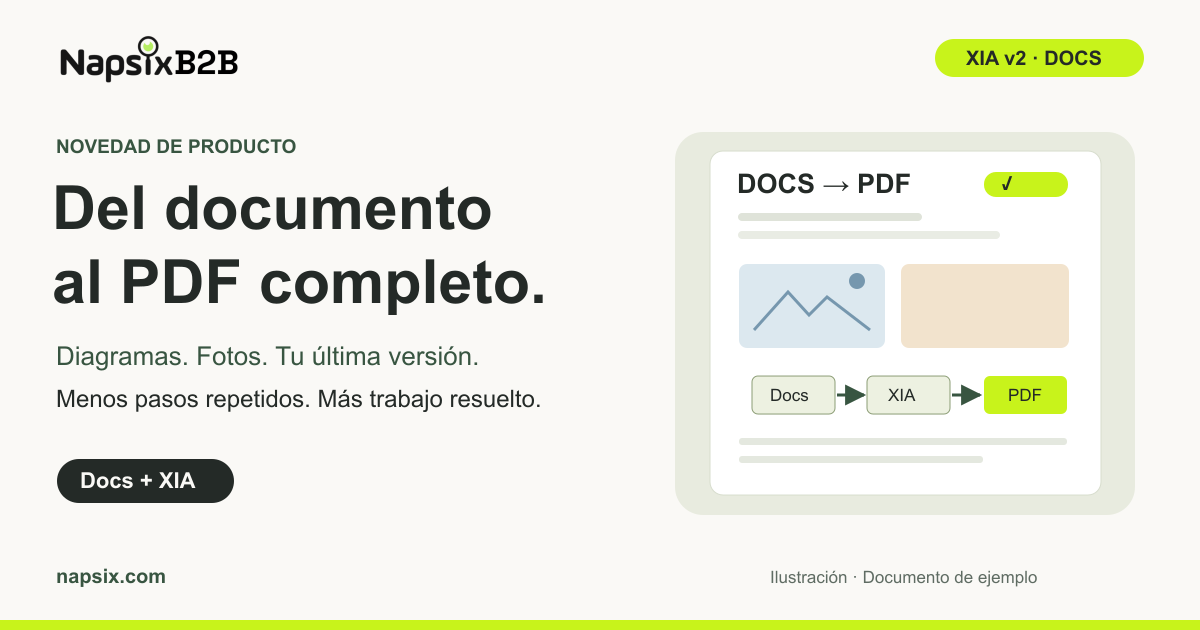
A well-prepared document needs to reach its reader intact. This XIA v2 release improves the journey from editing to PDF: readable diagrams, photos included in the file and checks on the version you are sharing.
Think of a routine task. Your team prepares a proposal, adds images, organizes information in a table and explains the process with a diagram. Then it is time to send it. Export quality directly affects how much work remains before that document represents your business.
This update focuses on that final stretch. Docs, XIA Chats and XIA Assistant now share the same verified native PDF exporter, so you can keep working on the editable source and obtain a PDF with checks on its content.
Efficiency is measured in useful work delivered, time saved and steps your team can stop repeating.
The case that made us review the complete journey
The review started with a familiar problem: a document displayed one way on screen and lost part of its meaning when exported.
The case contained three flowcharts and a timeline. In the previous export, some graphics appeared as code instructions and some labels were clipped. The reader had to interpret information that should have arrived ready to use.
We worked on visual rendering, typography, page composition and result verification. We then exported the same document again: 12 pages, all four visuals rendered and the original editable document preserved.
Validation also included another routine need: a proposal with two real photographs. We checked that both requested images were embedded in the PDF. We inspected the downloaded file and its content, alongside the status reported by the tool.
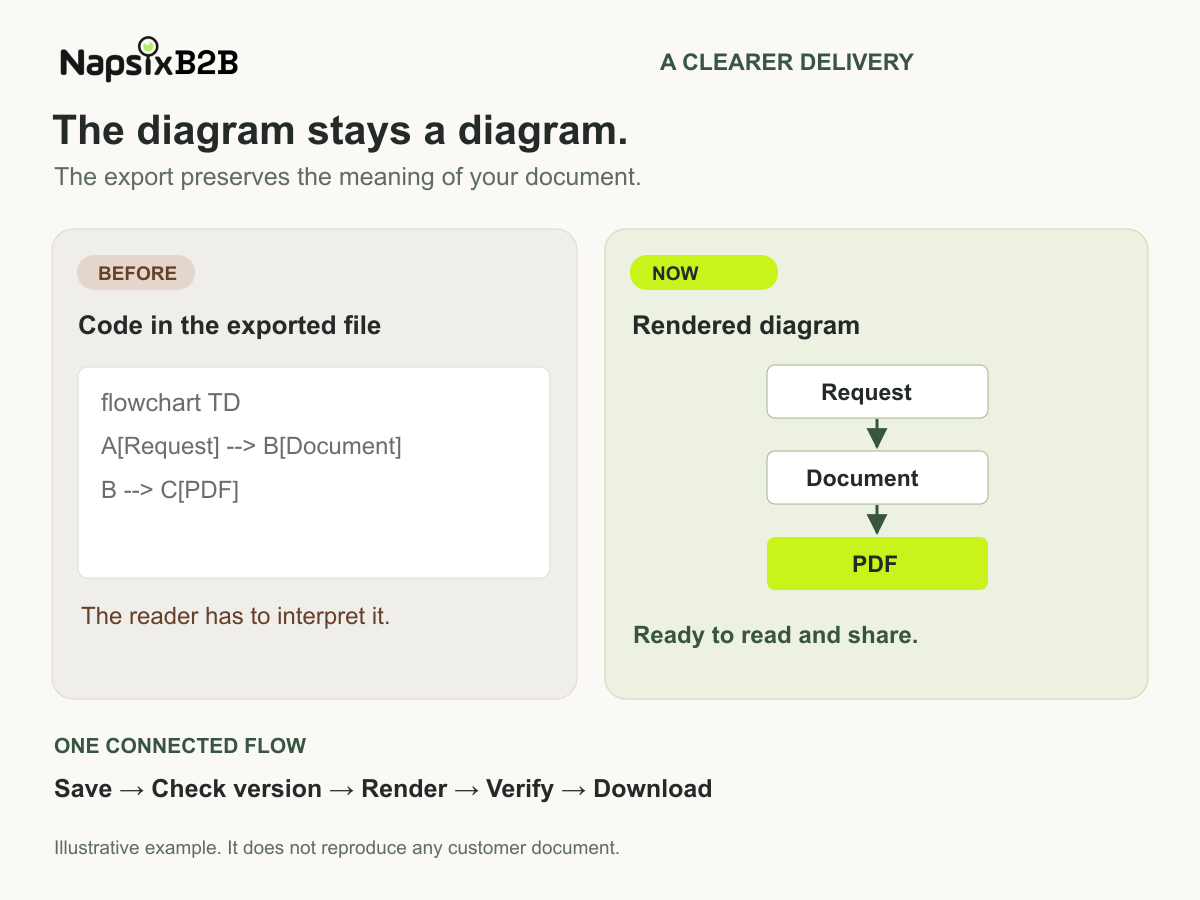
Illustration using sample content. Open the image to view it in detail. Customer documents and photographs used in validation remain private.
What changes when you export from Docs or XIA
Several pieces come together in daily use. A readable diagram helps explain a decision. An embedded photo preserves a reference. A checked version reduces the risk of sharing text that predates the latest edit.
| Observed problem or controlled risk | What XIA v2 provides |
|---|---|
| Diagrams: graphics exported as code or clipped labels. | Rendering of supported visuals with arrows, styles and labels, plus presence checks. |
| Photos: images could be missing from the final file. | Original image inclusion and checks on expected images. |
| Long documents: headings detached from content and hard-to-follow tables. | Better grouping, repeated table headers, intact rows and consistent page numbers. |
| Latest edit: downloading before saving finishes. | Docs saves and checks the version before exporting. |
| Orientation: content that needs more width. | Portrait or landscape A4 selection in Docs. |
| Incomplete results: a rendering failure could go unnoticed. | A specific reason when export fails, with the document preserved for correction. |
The editable document remains the place where content is built and maintained. The PDF is a delivery derived from that work, ready for your review and sharing.
From the latest edit to the download: five connected steps
- Save. When exporting from Docs, the latest edit is saved before generating the file.
- Check the version. The system checks which content is being exported and reports a change during the process.
- Render. Text, tables, photos and supported visuals are composed in the selected format.
- Verify. The export checks elements such as the version, pages, images and expected visuals.
- Deliver. The resulting file becomes available. If an export blocker occurs, the source document remains available.
Docs, XIA chat and the side-panel assistant share this journey. The tool uses the available document and its permissions to resolve the export.
Three situations where the improvement helps
A proposal your customer can evaluate
A proposal may need scope, amounts, terms, photos and an explanation of how the work will happen. Preserving those pieces helps the reader understand the proposal and your team pick it up later.
With the document already prepared, you could ask:
Export this proposal to PDF with its photos and tables. Keep the editable document for future revisions.
A product sheet with its visual references
When a product or equipment photo helps identify what is being described, it needs to accompany the specification. In this release, we verified a case with two original photos embedded in the PDF.
For an existing sheet, you could ask:
Generate the PDF of this product sheet and include the two original photos that are part of the document.
A report that explains a process
An approval flow, a work sequence or a timeline carries information. A graphic helps readers follow relationships that a paragraph can make harder to understand.
With the report prepared, you could ask:
Export this report to PDF and preserve its diagrams. I need to share the complete process with my team.
These are examples involving existing documents. Creating or editing their content with AI is a different task from exporting them.
What we verified before releasing the improvement
Validation combined 177 automated tests with real journeys from the browser to the downloaded file. It included successful cases and controlled failures: photos, diagrams, orientation, editing immediately before download and rejection of a visual that could not be rendered.
| Validation | Observed result |
|---|---|
| Document with visuals | A 12-page PDF with three flowcharts and a timeline rendered. |
| Proposal with photos | Two originals requested and two embedded in the file. |
| Entry points | Verified exports from Docs, XIA Chats and XIA Assistant. |
| Latest edit | The Docs download included the edit made immediately before export. |
| Fully specified request efficiency | Chat and assistant each used one tool and zero model calls to export an existing document. |
These results describe the samples and journeys tested. This release supports portrait or landscape A4, with up to 24 supported visuals per document. If a required element cannot be represented, the tool reports the reason and preserves the work for correction.
More efficiency in every tool
For Napsix, XIA's value comes from the work it helps complete. A fully specified export can run through a native tool without regenerating content the document already contains.
A verified export can also be reused when content and configuration remain unchanged. This makes use of completed work and avoids repeating steps.
Zero model calls refers to the tested export case. It does not mean that creating a document with AI is the same operation or that infrastructure has no cost. The improvement lies in choosing the journey each task needs.
Questions worth answering before you export
Does the PDF replace my editable document?
The source document is preserved. You can edit it again and generate a new delivery when the proposal, sheet or report changes.
Where do I choose the orientation?
In Docs, choose portrait or landscape A4 in the export menu. Pick the option that makes your content easier to read.
What happens if a required visual is missing?
The exporter reports a specific reason when it detects it cannot complete that element. The document stays available for review and correction.
Do I need to explain everything again to get the PDF?
If the document already exists and is available in XIA's context, ask for its export. Identify the document you want to work on.
Try it with a document you actually use
Open a proposal, a product sheet or a report in Docs. Review its images and diagrams, choose the orientation and export it. You can also request an export of the existing document from XIA Chats or the side-panel assistant.
The improvement is available now. Use it for a delivery your team needs to share.
Open Docs and try the export · Explore Docs · Explore XIA Agents
XIA v2: less repeated work, more results ready to use.
